Fitment Notes and Qualifiers, Decoded
What those cryptic fitment notes actually mean — and why dropping them is how shoppers end up with the wrong part.
The Short Answer
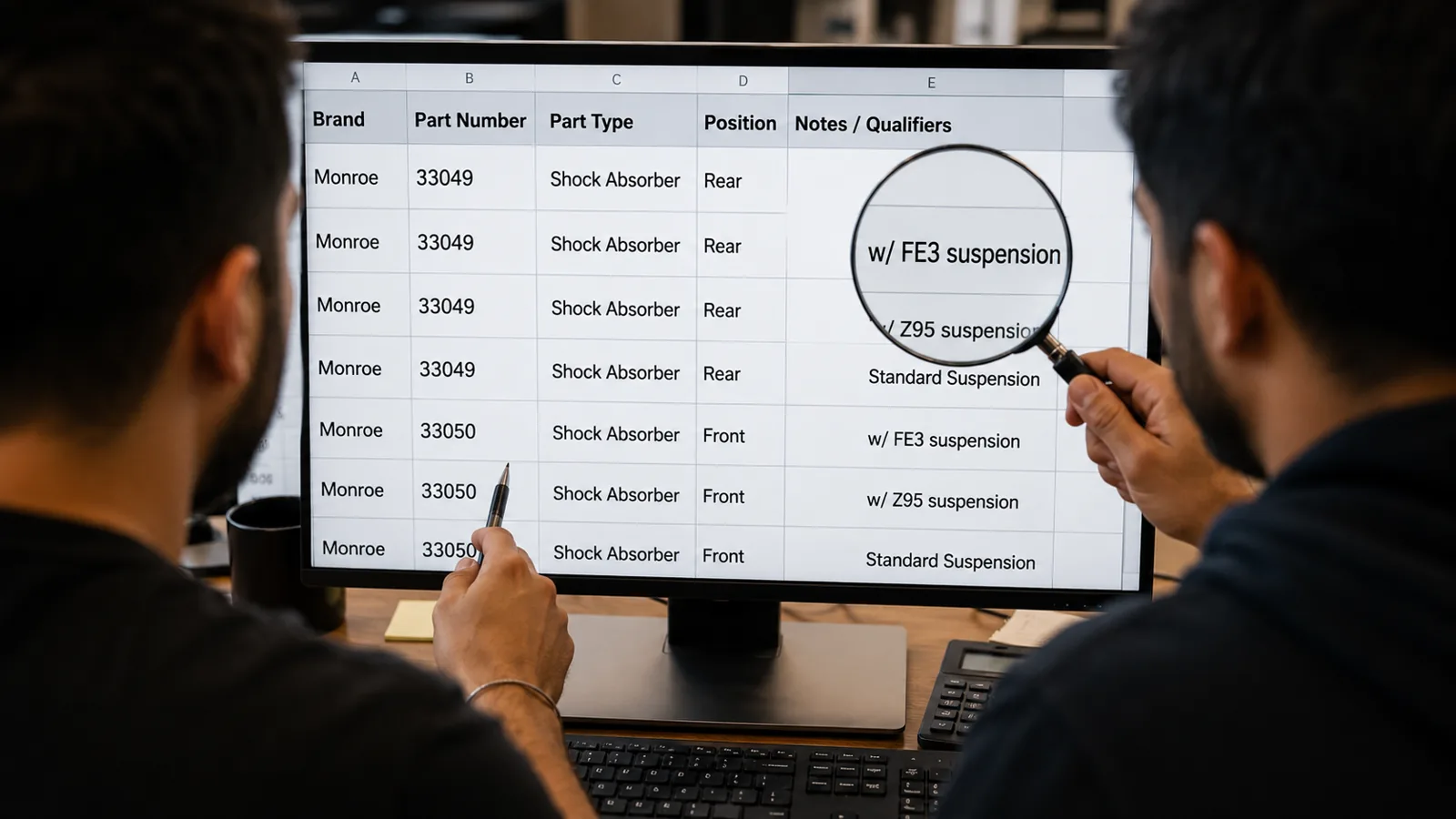
A fitment qualifier is the fine print that narrows a part to your exact car — things like "w/ FE3 suspension," "From 03/2008," or "AWD only." When a listing shows one, it's not clutter. It's the difference between the right part and a return.
| Qualifier you'll see | What it means | How to check yours |
|---|---|---|
| w/ FE3 suspension | A specific factory suspension/RPO code | Glovebox/trunk RPO sticker; dealer via VIN |
| From 03/2008 / To 07/2011 | A mid-year production change | Build date on the door-jamb sticker |
| AWD / FWD / 4WD | Drivetrain-specific part | VIN, badging, look underneath |
| w/ or w/o Sport Package | Trim/option-based difference | Window sticker, door jamb, VIN |
| Front / Rear, Left / Right | Position on the car | Where the old part sits |
| Cab type / bed length (trucks) | Body configuration | Registration, door jamb |
Qualifiers exist because two cars that look identical can need different parts. The listing is trying to protect you. The trick is knowing how to read them.
Why qualifiers exist in the first place
Automakers don't build one version of a car. They build a base, a sport, a tow package, a suspension option, and they make running changes partway through a model year. Each of those forks can change a part. A qualifier is the manufacturer's way of saying "this part is for *that* fork."
The problem shows up when a seller strips the qualifiers to make a listing look simpler. Now "with FE3 suspension" and "without" are one listing, the fitment checker turns green for both, and half the buyers get the wrong part. DIYers get burned by exactly this — one described an OEM part that had two numbers split by configuration, and an aftermarket listing that blurred them into one. That's a dropped qualifier doing damage. A listing that *keeps* its qualifiers is doing you a favor, even when it's annoying to decode.
Decoding the common ones
"w/ FE3 suspension" (and other RPO codes)
FE3 is a factory option code — a Regular Production Option, or RPO. GM and other automakers use short codes for suspension tunes, axle ratios, brake packages, and more. If a part is called out "w/ FE3," it's for cars built with that specific option.
How to find yours: most GM vehicles have an RPO code sticker in the glovebox or trunk lid listing every option code your car left the factory with. No sticker? A dealer can pull your build from the VIN.
"From 03/2008" / "To 07/2011" — the date qualifier
This is a mid-year production break. The manufacturer changed the part partway through the run. The correct piece depends on when *your* car was actually built — which is printed as a build date on the driver's door-jamb sticker (month/year). Match your build date to the range and pick the right side of the break.
"AWD" / "FWD" / "4WD"
Drivetrain qualifiers. As covered in our fitment 5-point check, the same model in AWD and FWD often uses different axles, hubs, and rear brakes. If a listing splits by drivetrain, know yours before you click.
"w/ Sport Package" / trim qualifiers
Option packages change parts — bigger brakes, stiffer suspension, different sensors. Your window sticker or door-jamb label tells you what packages your car has. VIN works too.
Position qualifiers: front/rear, left/right, driver/passenger
Simple but easy to fat-finger. "Left" and "right" are almost always from the driver's seat looking forward (driver side = left in the US). Match it to where the old part actually sits.
The rule of thumb
If a listing has a qualifier you can't confirm on your car, don't guess — go find it. Glovebox RPO sticker, door-jamb build date, window sticker, or a two-minute call to a dealer parts desk with your VIN. Confirming a qualifier costs minutes. Ignoring one costs a return and a week off the road.
Why we keep every qualifier (even the ugly ones)
Some sites hide qualifiers to look cleaner. We don't — a dropped "w/ FE3" or "from 03/2008" is exactly how people end up with the wrong part. Put your exact vehicle into AutoBuffy and the qualifiers that apply to your car come with it, spelled out, so you're matching on purpose instead of hoping.
Sources
- NHTSA VIN Decoder — decode build year, engine, and plant from your VIN
- RepairPal — part identification and fitment reference
- YourMechanic — guidance on options, trims, and part differences
Find the right part for your vehicle
Guaranteed fit, ships free
FAQ / People Also Ask
It's the fine print on a parts listing that narrows a part to a specific version of your car — a suspension option, a production-date range, drivetrain, trim, or position.
Comments
Loading comments...
Comments are moderated by the AutoBuffy team.